Which parts of a route survive a vertical crop?
Play this 12-second Pacific journey and pause where the camera moves away from the origin. Switch frames at the same instant. Can you still see where the route started, which way it travels and where it ends?
Pacific Journey, Map Animation Studio. Changing frame or crop position preserves the current playhead position.
Read the frame
Move the crop to the left, center and right while paused. If centering the destination hides the departure label, try a separate opening overview before the close shot. If the route crosses the edge twice, pull the camera back and repeat the check at the same timecode.
Where to adjust the route camera in Studio
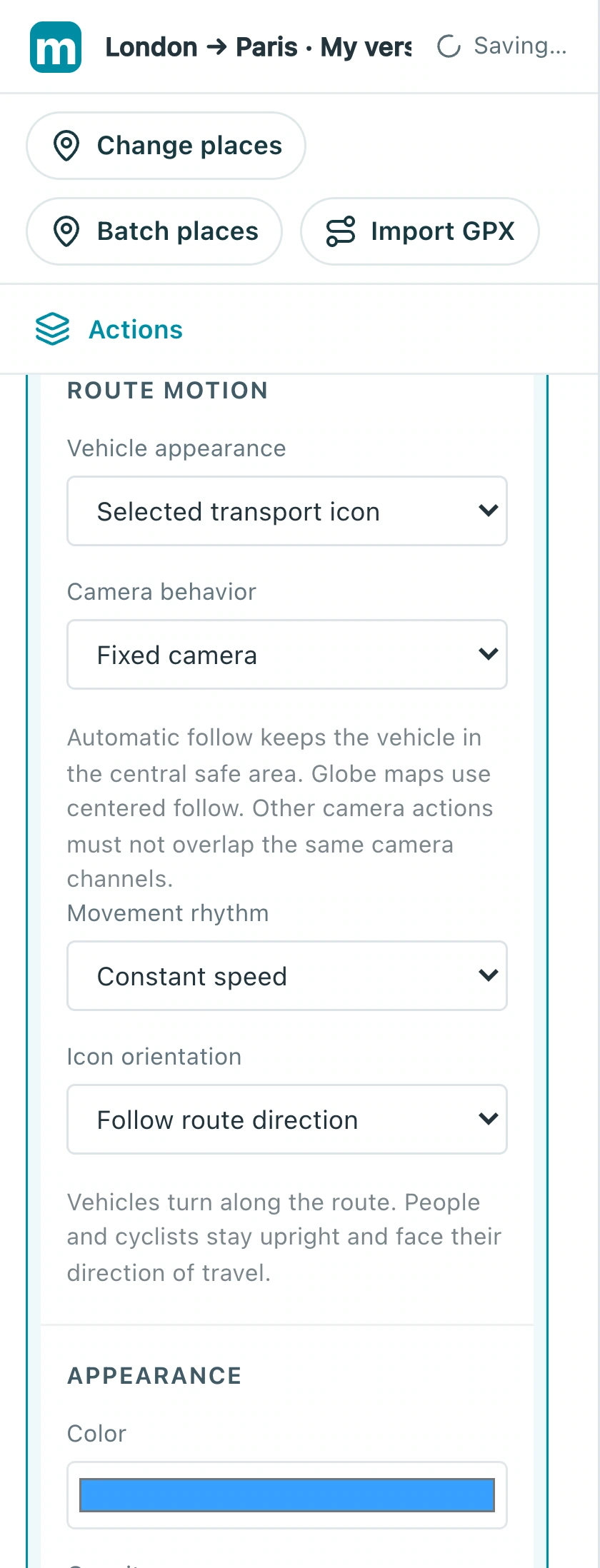 London–Paris workspace example. Open the screenshot to inspect the camera controls at full size.